Ask a useful forum question
Choose a board, describe what happened, and return to mark the answer that resolved the question.
Before starting a topic
Search the documentation using a term visible in the app, such as “invite”, “radio” or “receipt”. Open the matching guide and choose Discuss this guide if your question is about its steps. The forum also accepts general questions without a guide link.
Post a question
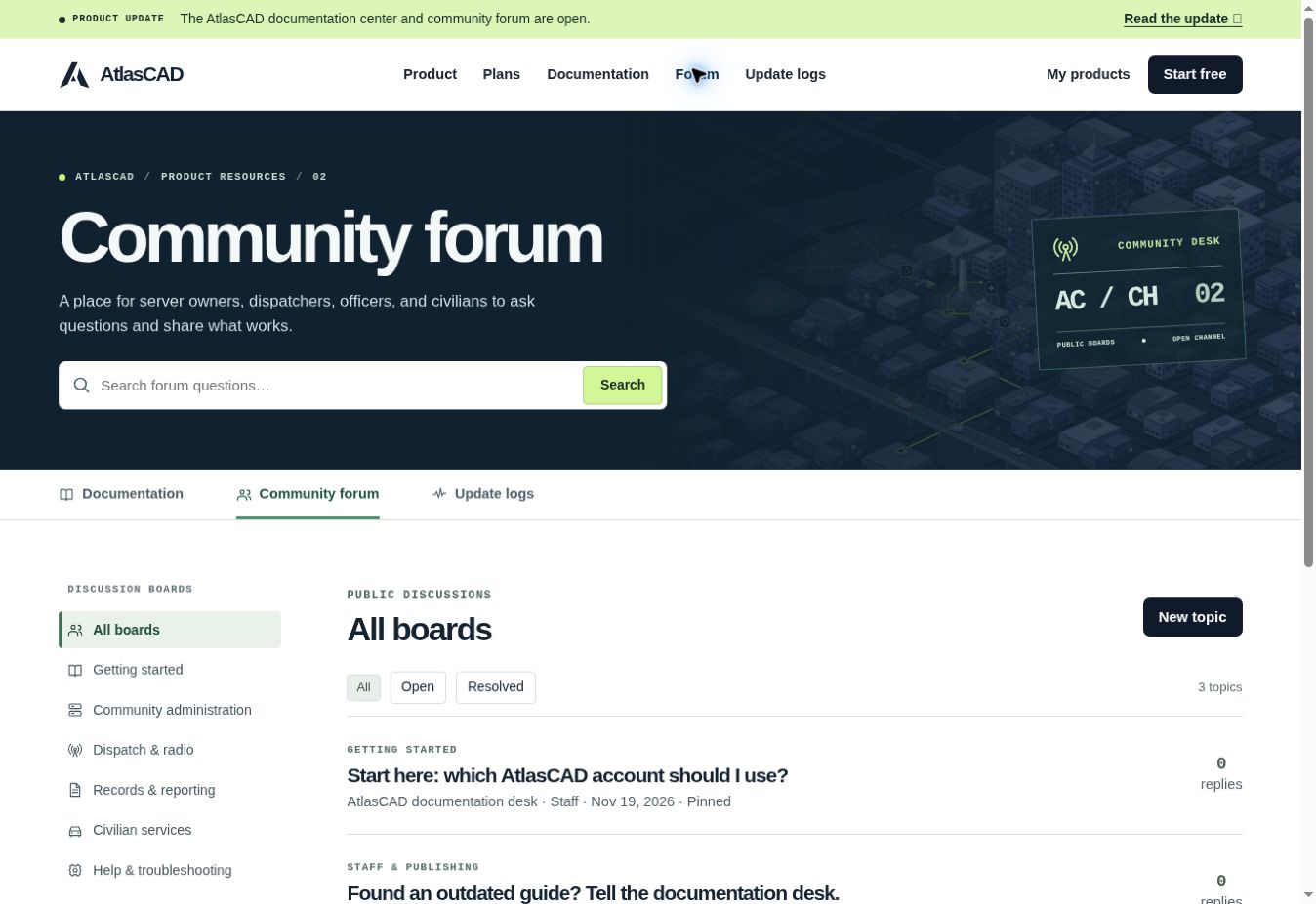
- Open the Community forum and choose New topic. Sign in and choose a public display name if this is your first post.
- Pick the board closest to the problem. Write a specific title, such as “A one-use invite is closed before the second recruit joins”.
- In the body, include your app, the step you tried, what you expected, and the exact error. Remove live invite links, private records, login details, and payment information.
- Publish the topic, then return to it to read replies. The author or a staff moderator can mark the topic resolved.
What public means
Topics and replies are readable without signing in. The forum does not expose a member’s sign-in email in their posts. A staff label identifies an Atlas Systems staff account at the time the post was made. A locked topic remains readable but accepts no more replies. Send private account issues to product support.
Discuss this guide
No public questions linked to this guide yet.
Start a discussion