Find the right operational app
Send players to the right destination at the beginning of a shift. In a hosted community the same sign-in opens the apps your membership allows.
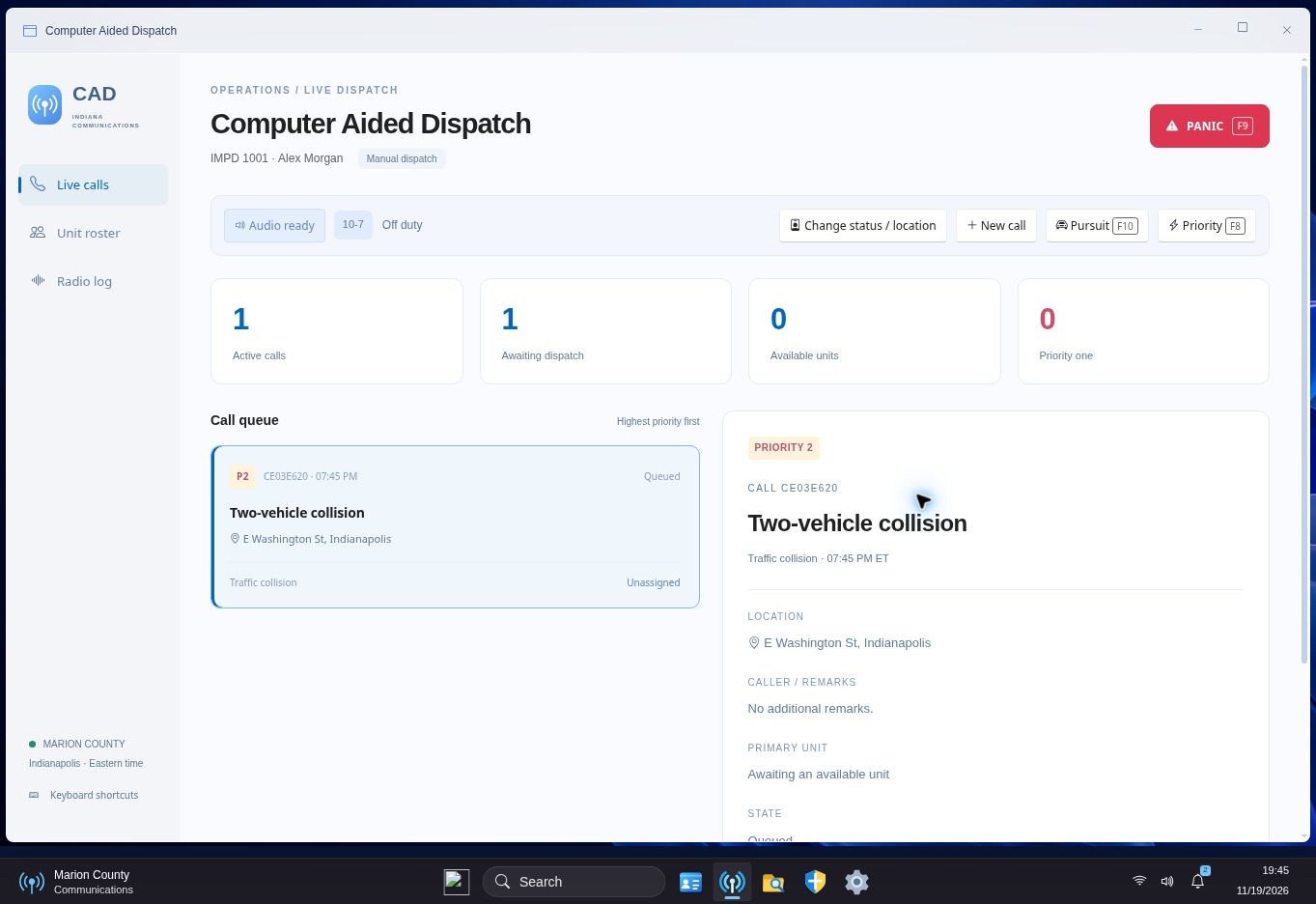
Dispatch, fire and medical calls
Use the CAD to view and assign calls, update unit status, and request fire or medical assistance. A unit can acknowledge its assignment and add call notes. Panic, pursuit, and priority events belong in CAD. The shift can include custom fire and EMS departments without implying separate patient-charting or inventory tools.
Law enforcement and records
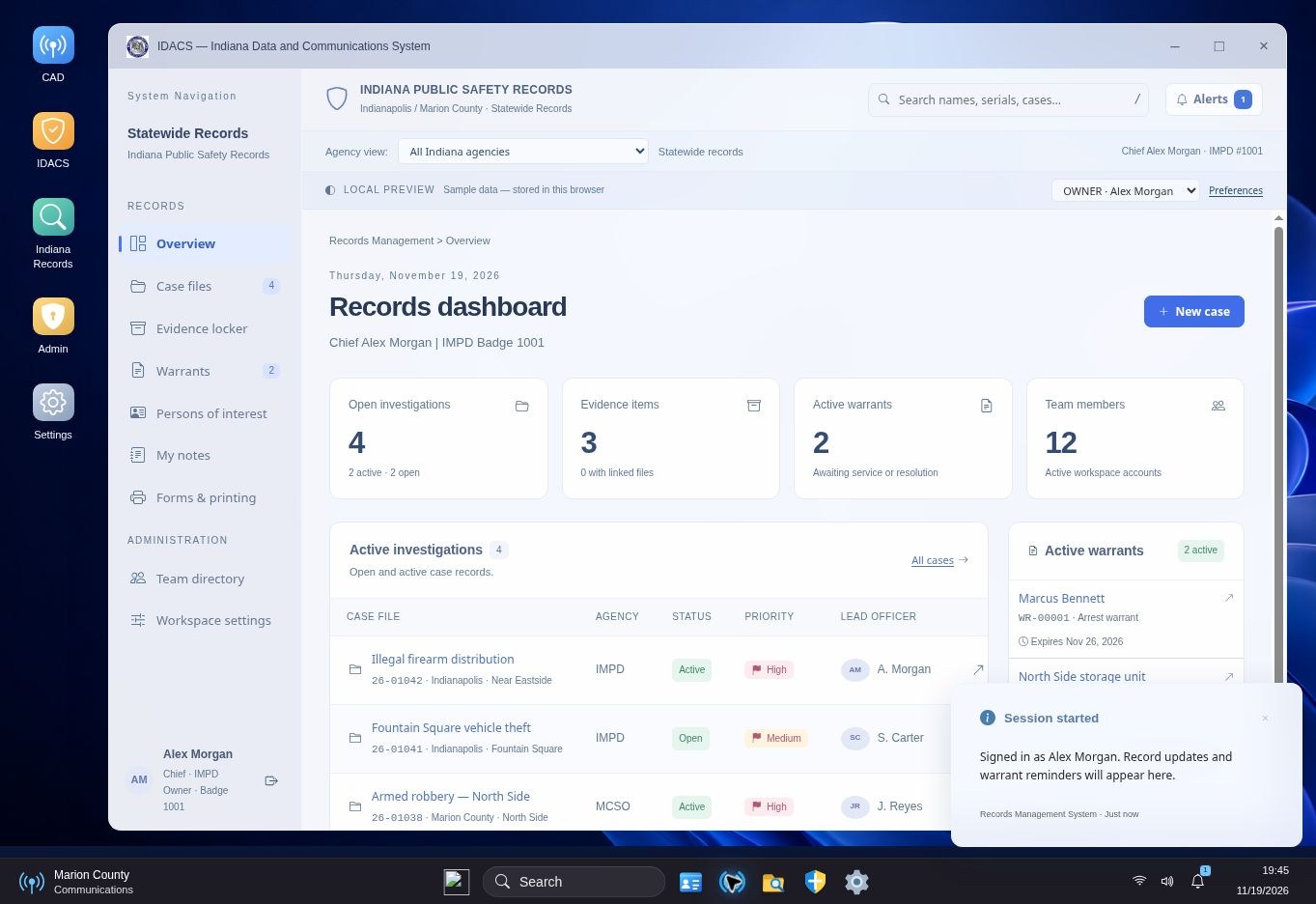
IDACS contains operational case files, people, evidence, warrants, and reports. Use the Indiana records tools to file enforcement documents. A supervisor’s operational permissions determine which reports they may review. A roster promotion on the AtlasCAD customer website does not change those permissions.
Civilian services
InBMV is the character and vehicle portal and the place to check My Records. InBiz manages character businesses and fleets. InPay handles in-character balances and eligible roleplay fines. Civilian records do not expose internal police narratives.
If a player is in the wrong place
Send two clearly labeled links: Join our community for membership, and Start a shift for the server’s operational CAD. For product support, email support@atlascad.app with the server name, the page and the error. Leave out credentials, active invite codes and private records.
Discuss this guide
No public questions linked to this guide yet.
Start a discussion